 Viewry
Press kit
Writing about Viewry? Here's everything you need: the facts, ready-to-use descriptions, the app icon and screenshots. Anything missing? Just ask.
Fact sheet
- Name
- Viewry
- Tagline
- Every Apple UI framework, live.
- Developer
- Grigor Dochev, independent developer
- Platforms
- iPhone, iPad, Mac and Apple Watch: one app, one Universal Purchase
- Requirements
- iOS 27, iPadOS 27, macOS 27 or watchOS 27
- Version
- 1.0, coming soon
- Languages
- English, German, Japanese, French, Spanish and Simplified Chinese
- Price
- Free download. Viewry Pro: $2.99 a month, $14.99 a year (with a 7-day free trial) or $39.99 lifetime. US prices; they vary by country.
- App Store
- Coming soon
- Website
- viewry.app
- Press contact
- support@viewry.app
Fact sheet as plain text (TXT, 6 KB)
Descriptions
Use these as they are, or edit them to fit.
One sentence
Viewry is a library of live demos of Apple's UI frameworks for iPhone, iPad, Mac and Apple Watch, with parameters to play with and code that follows every change.
One paragraph
Viewry is a live library of Apple's UI frameworks: SwiftUI, the foundations of Apple's design, UIKit and AppKit side by side with their SwiftUI equivalents, and the system's own experiences, from widgets and Live Activities to App Intents and StoreKit views. Every entry is a live demo with its parameters in an inspector, and its code stays in step, with the changed line highlighted. Preview demos in code-drawn frames for iPhone, iPad, Mac and Apple Watch, in light or dark, at any Dynamic Type size up to AX5, right to left and in other languages. The whole library is free; Viewry Pro adds three labs (Modifier Stack, Motion Lab and Layout X-ray), code for older deployment targets, Recipes, Beta Season and explaining and adapting code with AI, using your own Anthropic API key.
Long
Apple's UI frameworks are huge, and the fastest way to understand an API is to see it run and change it. Viewry puts hundreds of them in one library, and every one is a live demo.
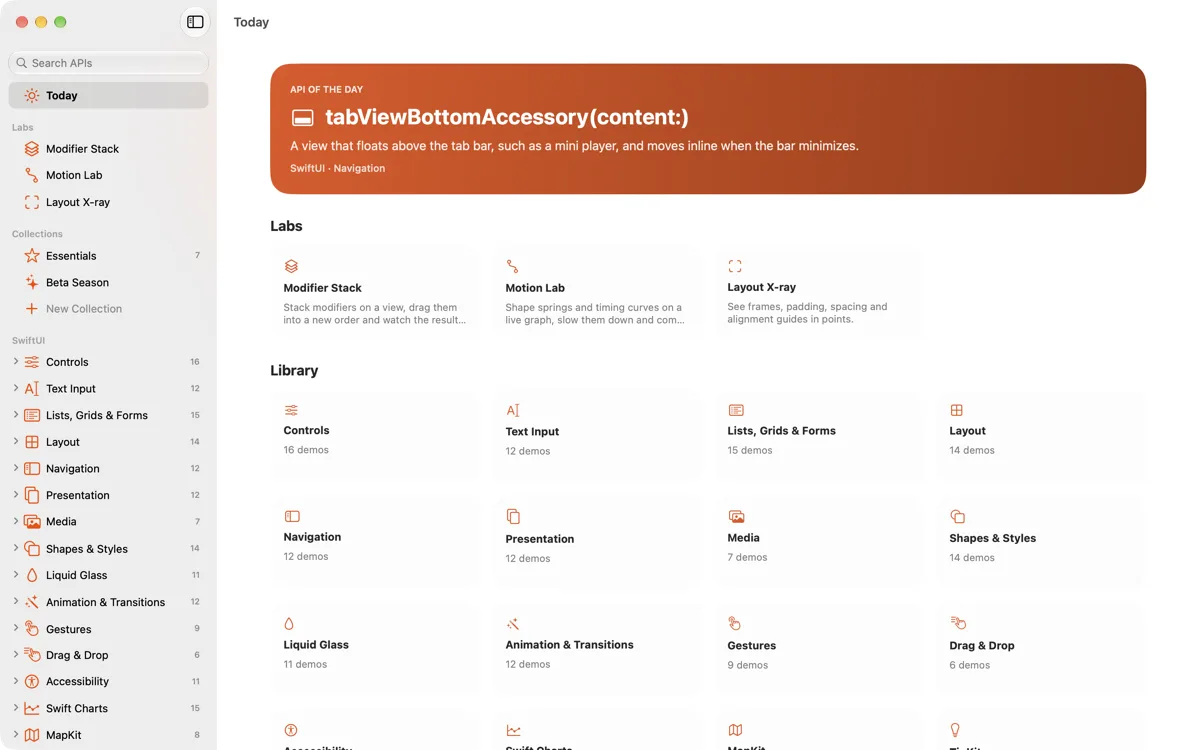
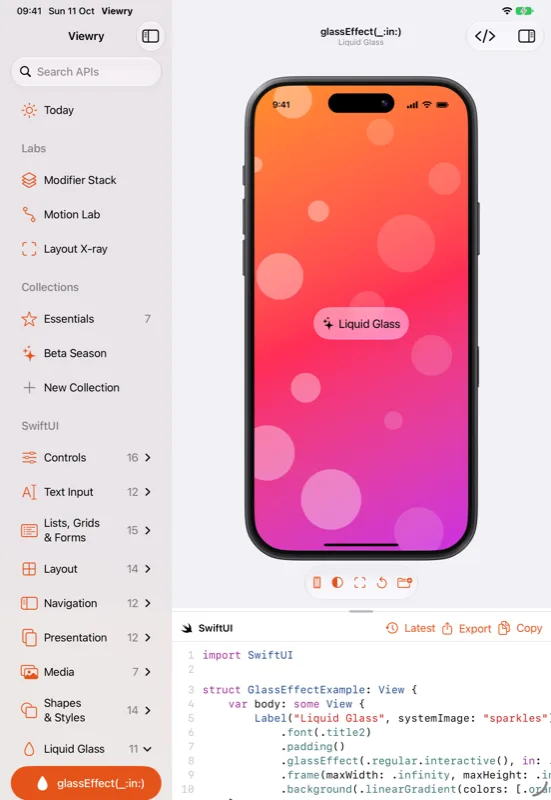
Pick an API from SwiftUI (controls, lists, layout, navigation, Liquid Glass, animation, gestures, accessibility, Swift Charts, MapKit, TipKit and more), from the Foundations (color, materials, typography, an SF Symbols browser, haptics with a Core Haptics pattern designer, and sound), from UIKit and AppKit beside their SwiftUI equivalents, or from the system's own experiences: widgets in every family, Live Activities and the Dynamic Island, Control Center controls, App Intents and StoreKit views. Change its parameters in the inspector and the demo and its code change together, with the changed line highlighted. Every demo has a Reset, availability badges for each platform, and links to Apple's documentation and WWDC sessions.
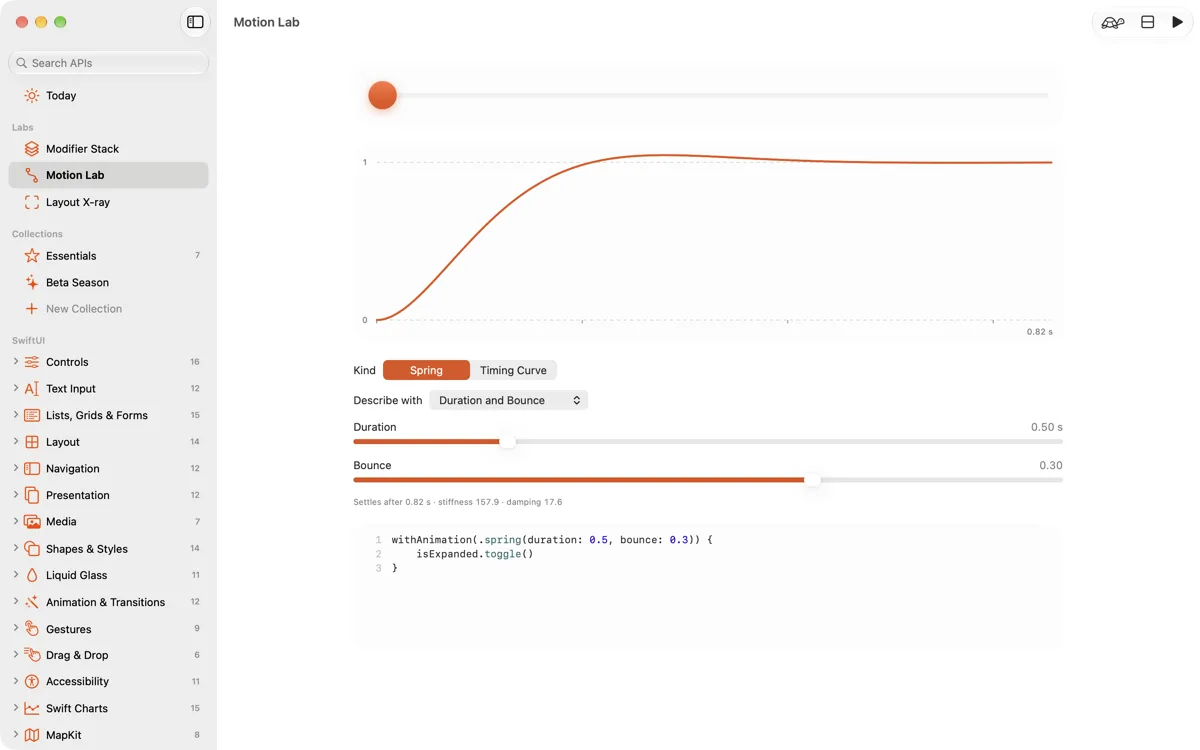
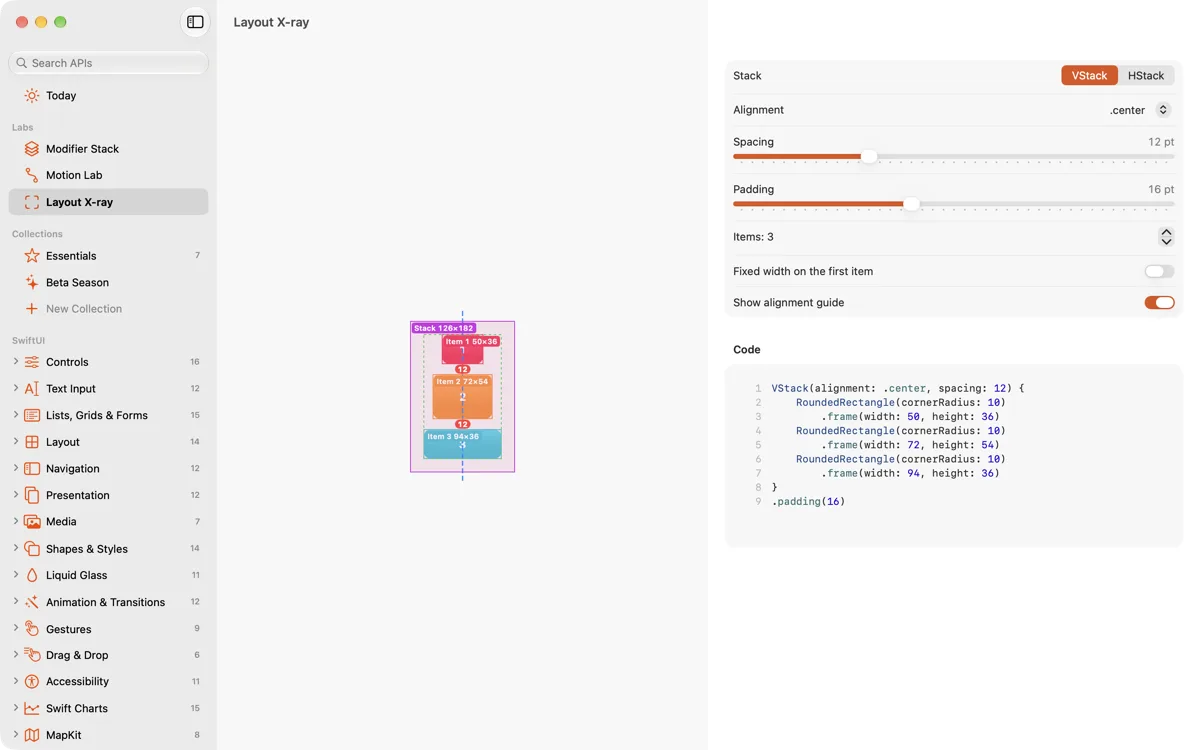
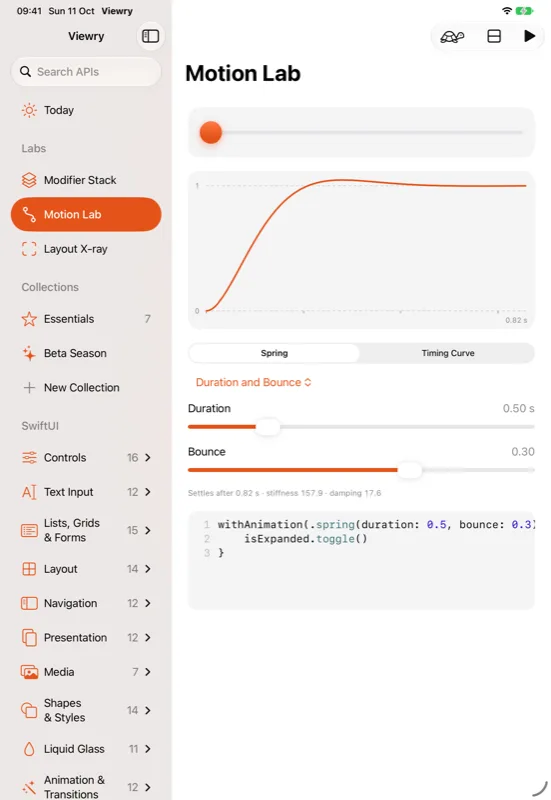
Preview demos in Viewry's own code-drawn frames for iPhone, iPad, Mac and Apple Watch, and switch between light and dark, Dynamic Type up to AX5, right to left, other languages, Increase Contrast, Reduce Motion and Bold Text. Then copy the code, save it as a Swift file with a #Preview, or open it as a Swift Playgrounds app. With Viewry Pro, three labs show how SwiftUI works: the Modifier Stack for modifier order, the Motion Lab for springs and timing curves on a live graph, and Layout X-ray for frames, padding and spacing in points. Pro also writes code for older deployment targets, with if #available checks and fallbacks, and adds Recipes, complete screens to start from, and Beta Season, the new APIs from WWDC each June.
Viewry runs on iPhone, iPad, Mac and Apple Watch, in six languages, with collections that sync through iCloud, a command palette and forgiving search, Spotlight and Shortcuts, and an API of the Day widget. There's no account, no analytics and no tracking.
Key features
- Hundreds of APIs from SwiftUI, the Foundations, UIKit and AppKit and the system's experiences, each a live demo
- Parameters in an inspector, with code that follows and the changed line highlighted
- Code-drawn frames for iPhone, iPad, Mac and Apple Watch (42 mm, 46 mm and Ultra 49 mm)
- Environment switches: light and dark, Dynamic Type up to AX5, right to left, language, Increase Contrast, Reduce Motion, Bold Text
- Copy the code, save a .swift file with #Preview, or open a Swift Playgrounds app (Pro)
- Labs: Modifier Stack, Motion Lab and Layout X-ray (Pro)
- Code for older systems, with if #available checks and fallbacks (Pro)
- Recipes and Beta Season (Pro)
- Collections with notes, synced through iCloud and shareable as a file
- ⌘K command palette, forgiving search, Spotlight, Shortcuts and an API of the Day widget
- An Apple Watch app with live watch demos, complications and Smart Stack widgets
- Explain and adapt code with AI, using your own Anthropic API key (Pro)
The story
Viewry is made by Grigor Dochev, an independent developer and the maker of Bezelry. It's built around one idea: the quickest way to learn an API is to see it running and change it yourself.
Every demo is live, its code always matches what you see, and the device frames are drawn in code. Viewry is private by design, with no account, no servers and no tracking; collections live in your own iCloud.
Screenshots
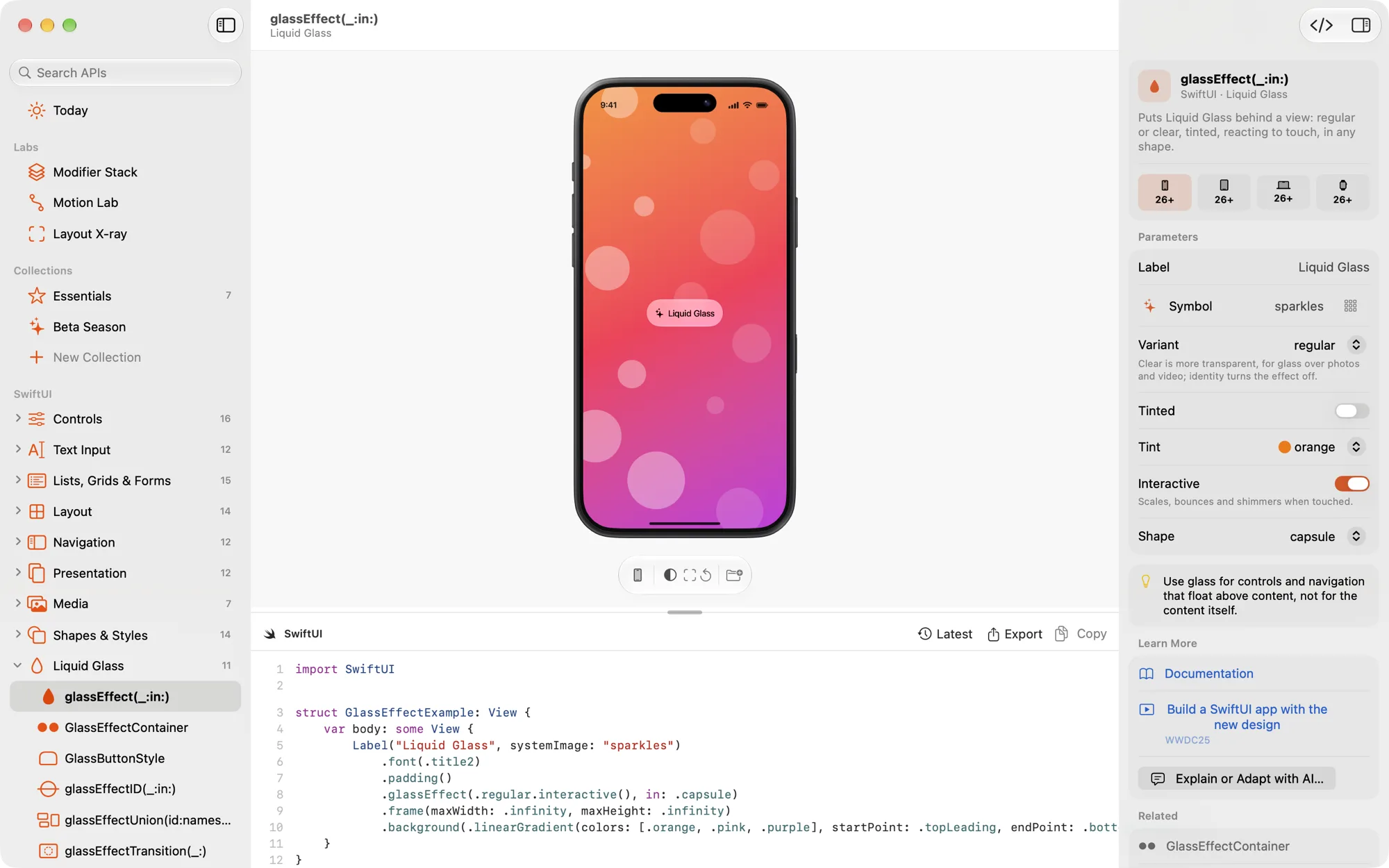
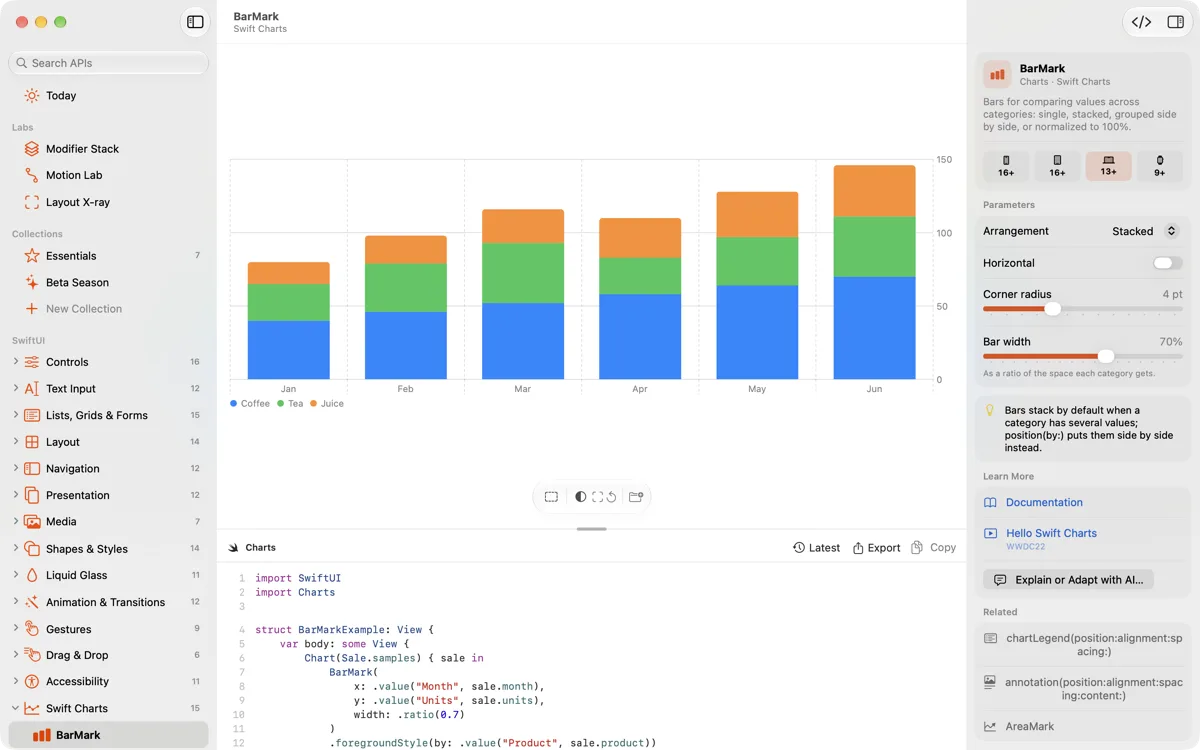
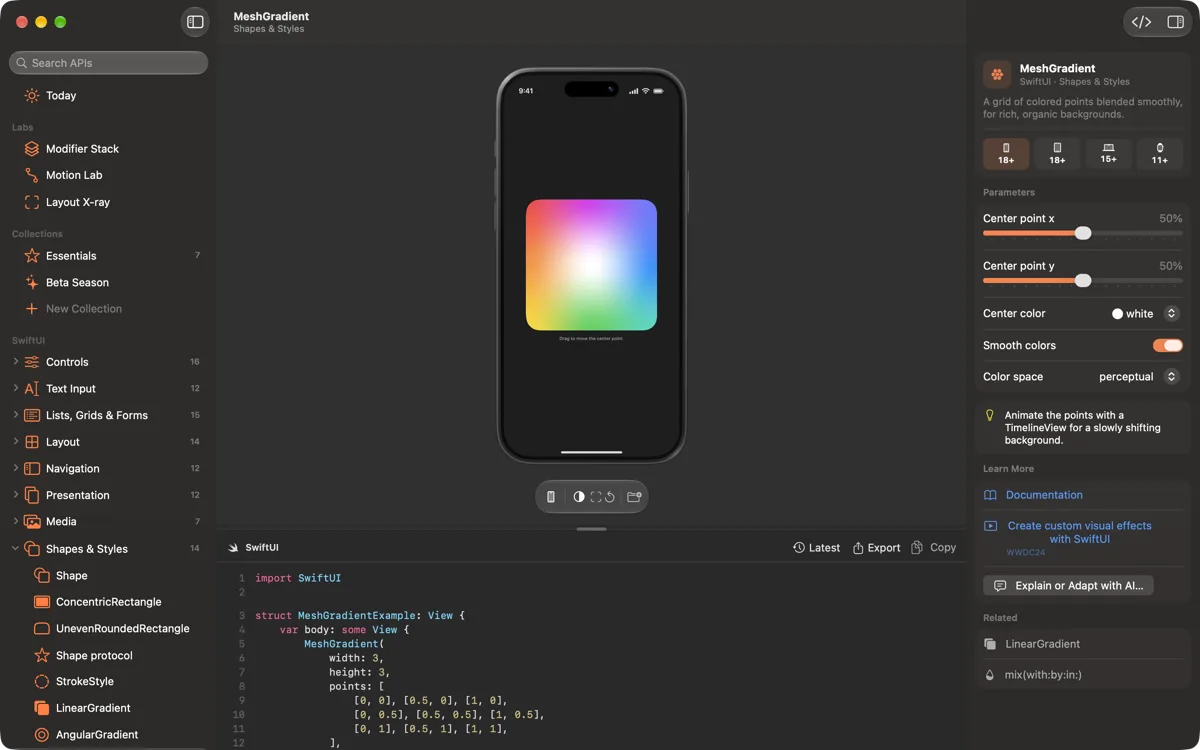
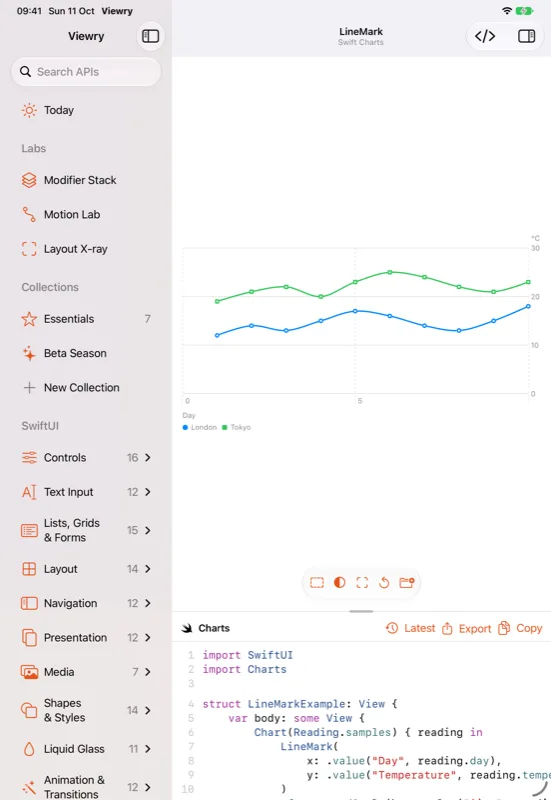
Real captures of Viewry. Select one to open it at full size.
Mac 1200 × 750; the first one also at 2000 × 1250
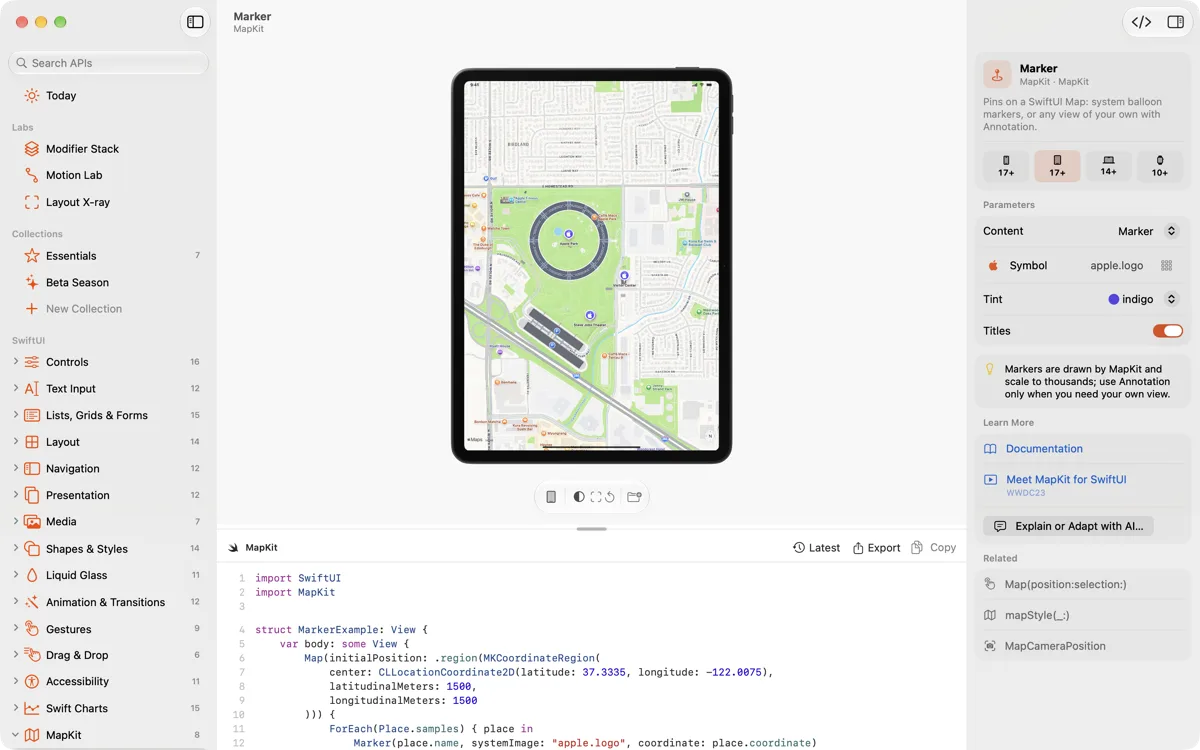
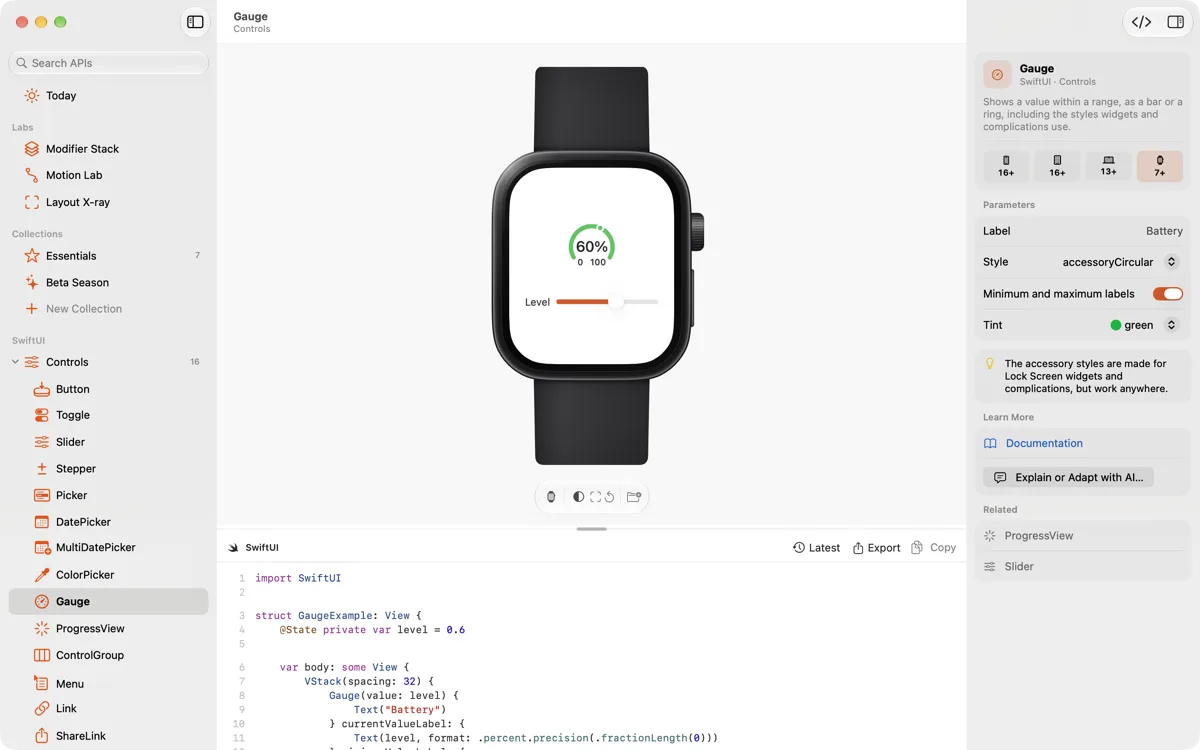
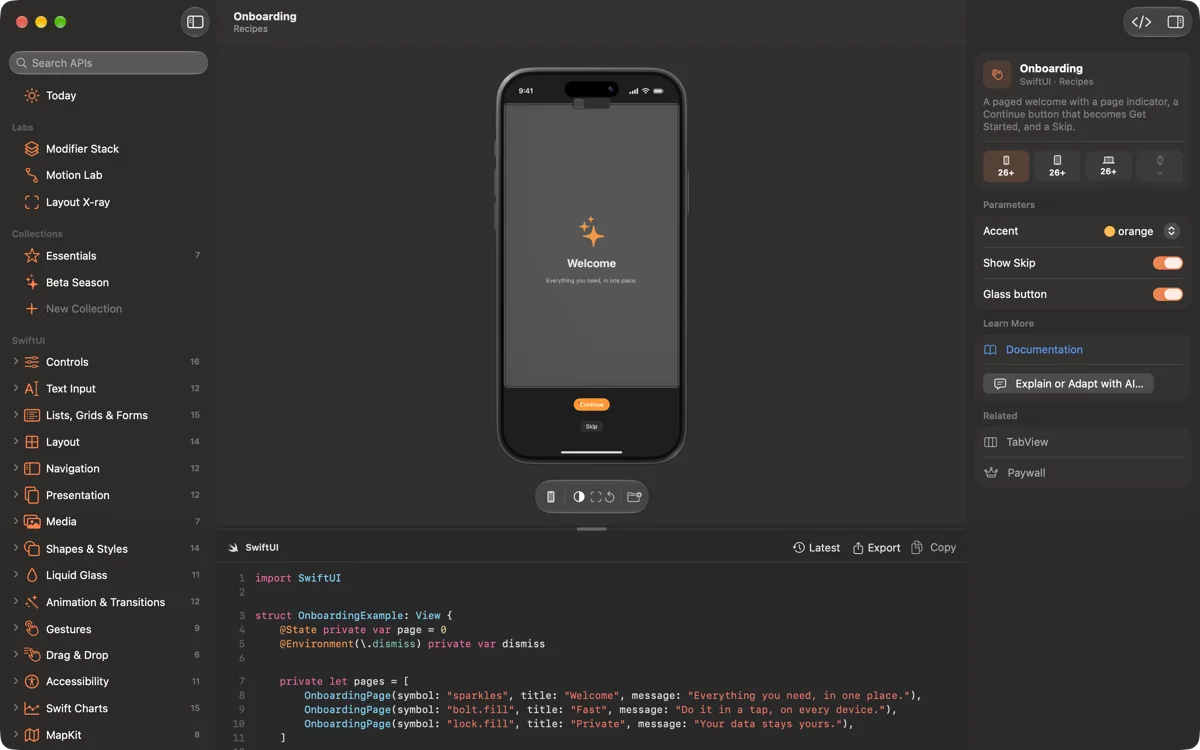
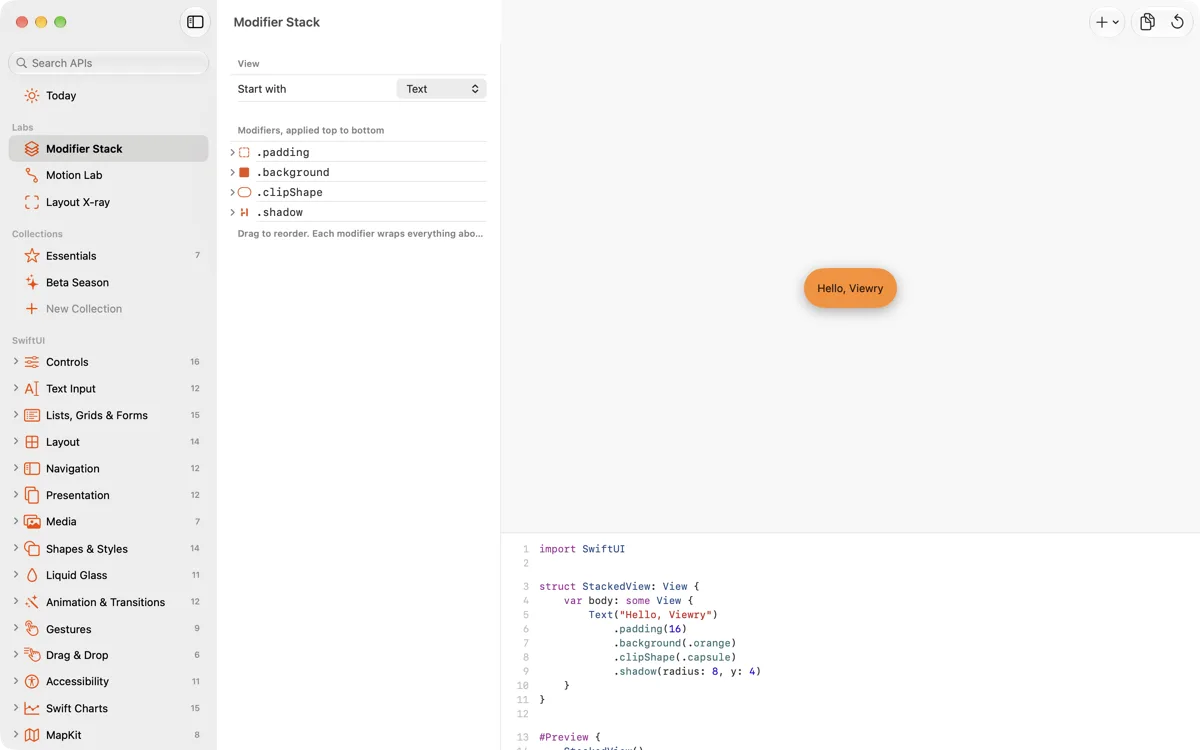
iPad 551 × 800, portrait
Icon and brand
App icon
Use it as supplied; please don't recolor, crop or add effects.
- App icon PNG, 1024 × 1024
- App icon, smaller PNG, 512 × 512
Color
Ember: #E5531A in light appearance, and the brighter #FF7A3D in dark.
Name
“Viewry” is one word with a capital V. Please don't write it as “ViewRy”, “View Ry” or in all caps in running text.
Get in touch
For interviews, questions or anything else, email support@viewry.app.